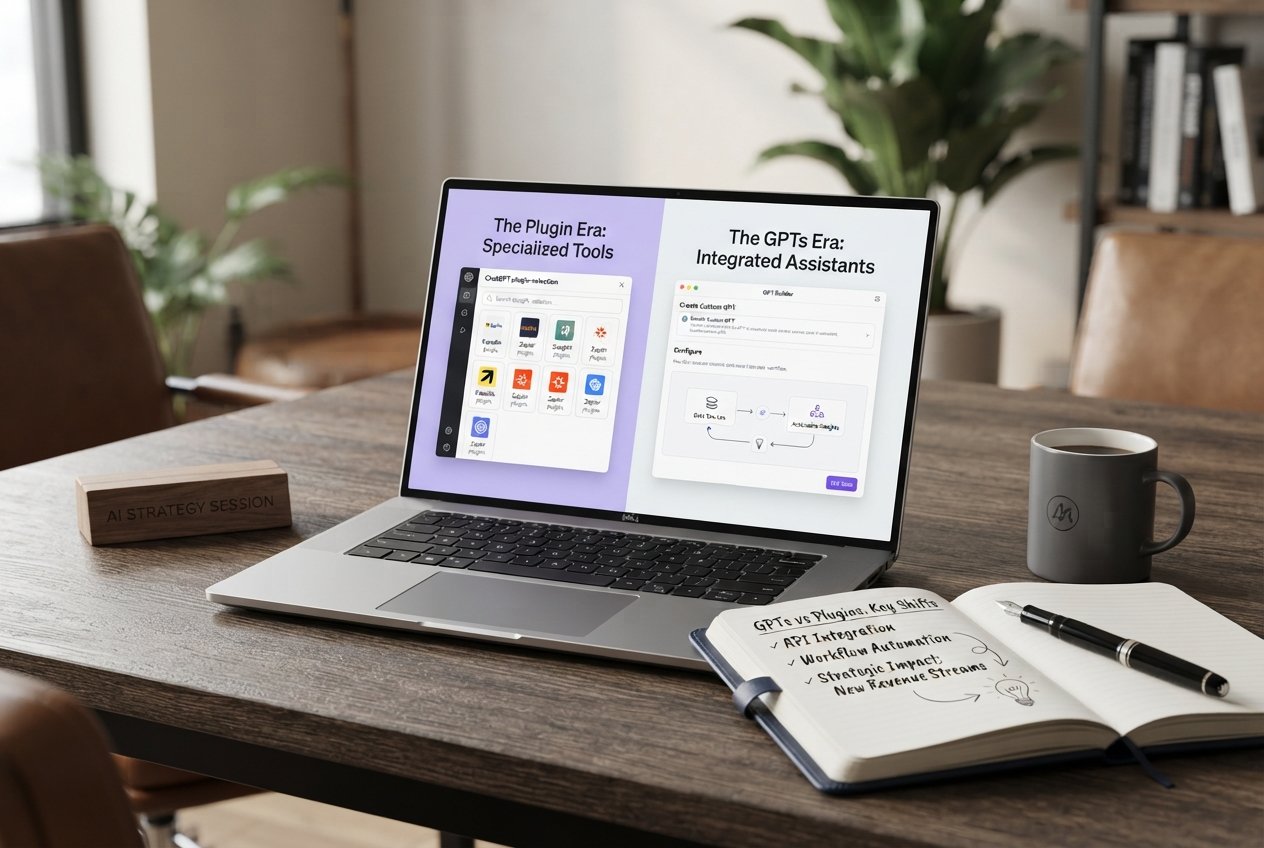

If you have been paying attention to AI tools over the last couple of years, you have probably noticed a shift in the language. A year ago everyone was talking about ChatGPT plugins. Now the conversation has moved to GPTs. For a lot of business owners, this feels like a lot of noise about a small change. But the shift is actually significant, and understanding it can save you time and money.
The core idea is simple. Plugins were external tools that ChatGPT could connect to when a user asked for something specific. GPTs are a different approach, where you can build a customised version of ChatGPT trained around your own instructions, documents and workflow. Instead of connecting to a tool, you are creating one that already knows what you want.

For businesses, the practical difference is that a custom GPT can be built once and used by the whole team. A marketing GPT loaded with your brand guidelines, tone of voice and past content will produce drafts that sound much closer to your actual writing than a generic prompt ever could. That saves time and reduces back and forth editing.
In this article, we will break down what changed, what it means for day-to-day business use, and how to decide whether building a custom GPT is worth it for your team in 2026.
Plugins were introduced as a way for ChatGPT to reach outside its training data. If you wanted it to book a flight, check the weather, or look up a stock price, a plugin could connect ChatGPT to a service that did that. The idea was powerful, but in practice the experience was inconsistent. Different plugins had different quality levels, and they often felt like separate tools bolted onto the chat.
Plugins also had discoverability problems. There were thousands of them, and it was hard to know which ones were useful. Most users never installed any at all, which limited the impact of the whole system.
GPTs take a different angle. Instead of adding a tool to a general assistant, you create a specialised assistant from scratch. You give it a name, a set of instructions, uploaded files if needed, and optionally some abilities like web browsing or image generation. The result is a focused tool that behaves the way you want it to, every single time.
For a business, this is a much more natural fit. You can build a GPT for writing product descriptions in your brand voice, a GPT for summarising client meeting notes into action points, or a GPT for generating ad copy that follows your tone guidelines. None of these require technical skill to create, which is why so many teams have already adopted them.
The answer depends on repetition. If your team does the same kind of AI-assisted work over and over, and you find yourself writing the same prompts each time, a custom GPT will save you real time. It also makes the output more consistent, because everyone on the team uses the same instructions instead of each person writing their own.
If your AI use is occasional and varied, a custom GPT probably is not worth the setup. You will get more value from simply learning to write better prompts for the general ChatGPT. The two approaches are not in competition, they just serve different needs.
The broader lesson is that the AI tools landscape is still moving quickly. What mattered in 2023 is not what matters in 2026. Businesses that stay curious and test new tools early tend to find the biggest advantages, while those that wait for the dust to settle often find themselves catching up.
Your email address will not be published. Required fields are marked *


2026 © DevMorph. All rights reserved.